ParcelPoint
Touchscreen interfaces
Touchscreen interfaces that the public can use in under 30 seconds.
Our kiosk UI is used by members of the public who have never seen it before, often in a hurry. That shapes how we build interfaces: few steps, large targets, and logic kept out of the drawing code so it can be tested.
Qt 6 and QML
Qt is our main tool for touchscreen products on Linux.
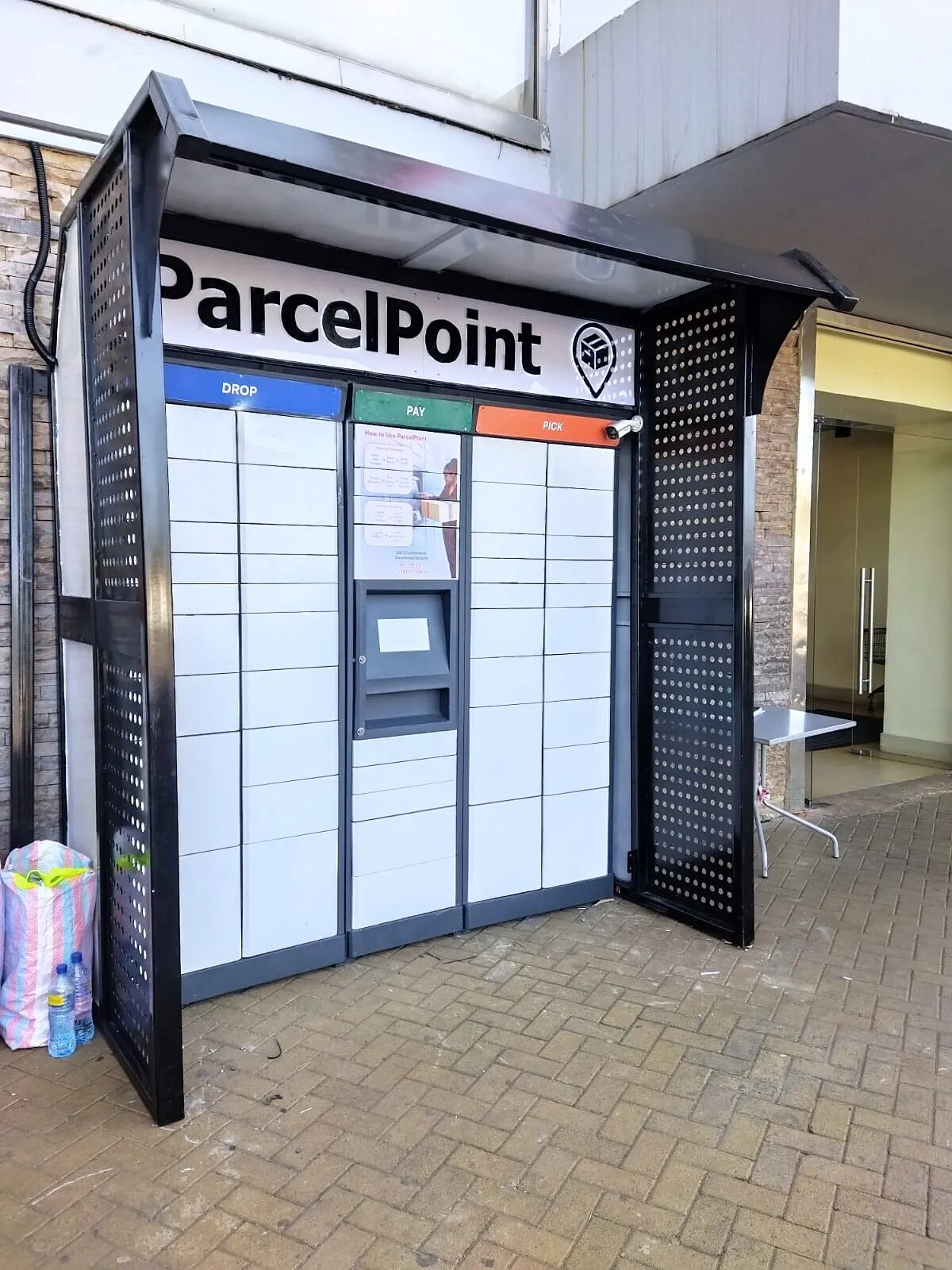
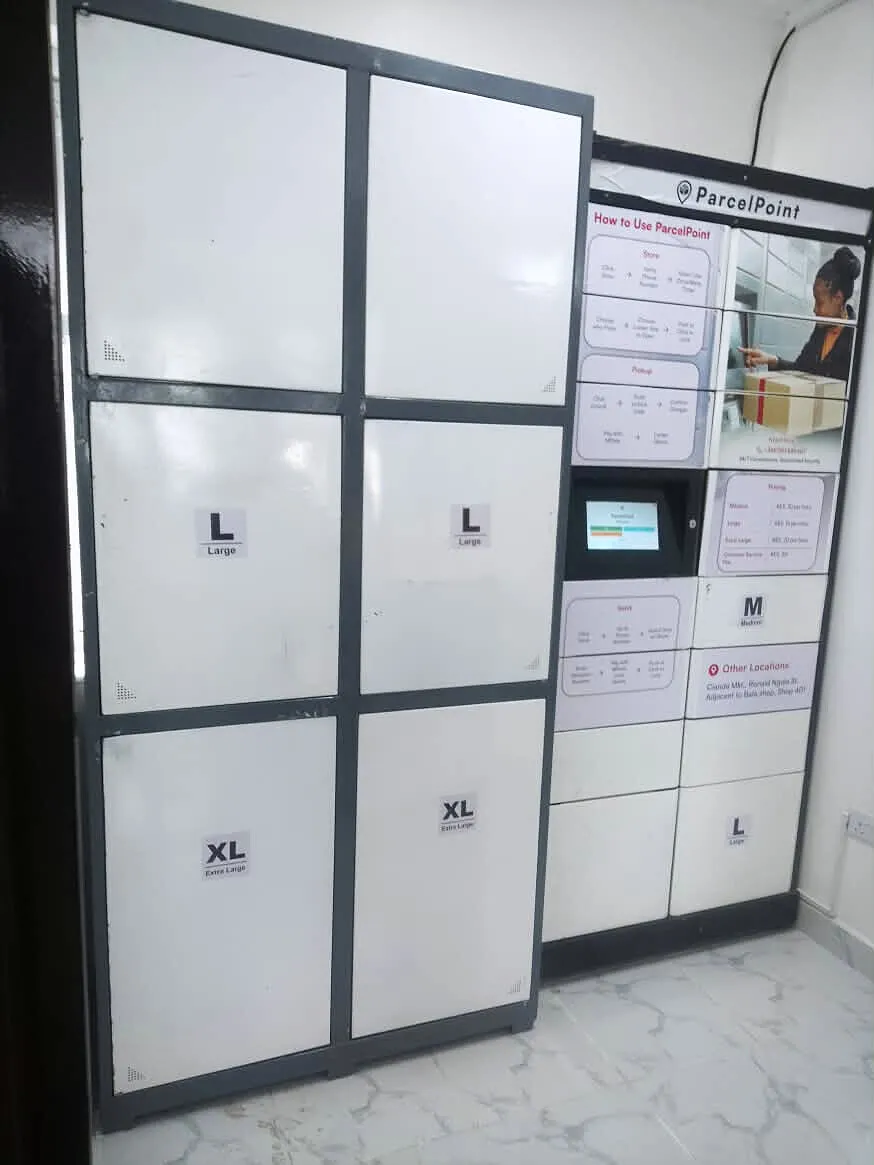
- The ParcelPoint kiosk: Qt 6.10 and QML, with business logic in C++ state machines
- Every customer flow in four steps or fewer
- The SQOasis HMI: node panels, live sensor strips, controls and a simulation mode for work without hardware
Where we've done thisParcelPoint case studySQOasis case study
Boot-to-app images
An HMI is only as reliable as the system under it.
- Yocto images that boot straight into the application over Wayland
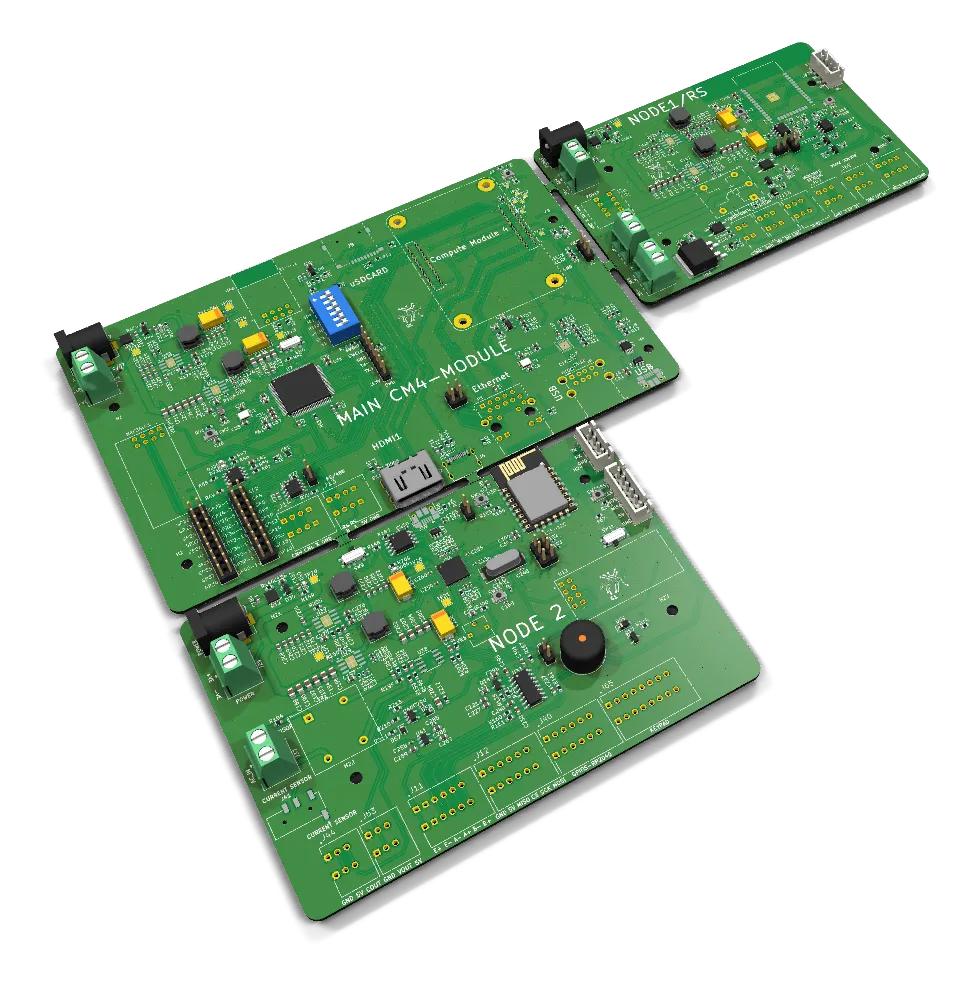
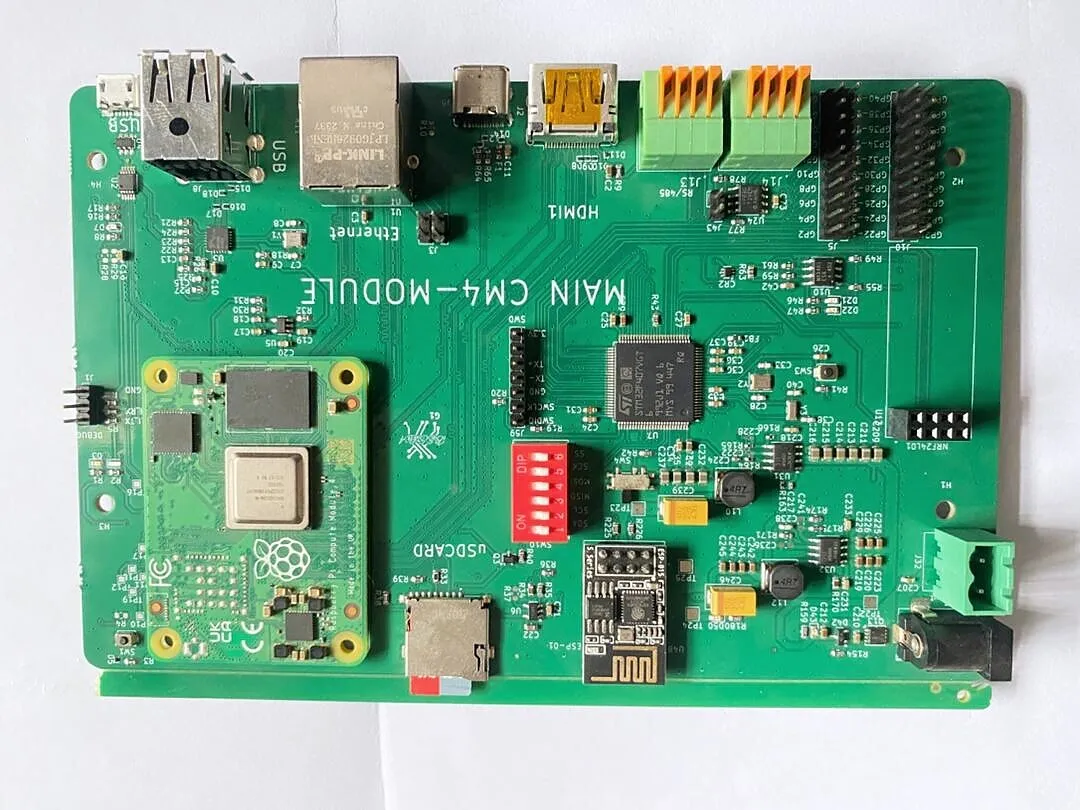
- The same Qt application on a Raspberry Pi CM4 and a BeagleBone Black
- Applications supervised and restarted by systemd
Where we've done thisMulti-board Qt 6 with Yocto
Microcontroller displays
For products without Linux, we use LVGL on Zephyr. It is also what we teach.
- Embedded Displays on Squared Academy: taking a display from its datasheet to a fast UI with Zephyr and LVGL
- A practical comparison of TouchGFX, LVGL and Qt for MCUs
Where we've done thisSquared AcademyTouchGFX vs. LVGL vs. Qt
Tools we use for this
- Qt 6
- QML
- C++
- LVGL
- Zephyr
- Yocto
- Wayland
- Raspberry Pi CM4
- Android
Related work
SQOasis
Four transports, one bridge, one touchscreen.
Other services
Firmware
Zephyr and bare-metal firmware for STM32, RP2040 and ESP32, and embedded Linux images for Raspberry Pi and BeagleBone class boards.
Hardware
Schematics and PCB layout in KiCad, enclosures in SolidWorks, and contractors for fabrication when a build needs to move faster.
IoT systems
Cellular devices, Go backends, message brokers, dashboards and the apps owners and operators use, plus M‑Pesa payments.
Contact
Tell us what you are building
Send a short description of the product, where it stands today and your timeline. We reply within one working day.
Use the contact form